
Walkthrough: The Amazon Connect Agent Workspace
Calls, chats, customer profiles, cases and AI help on one screen. Dan Perlman shows what an agent's shift looks like in Amazon Connect, from login to after-call work.
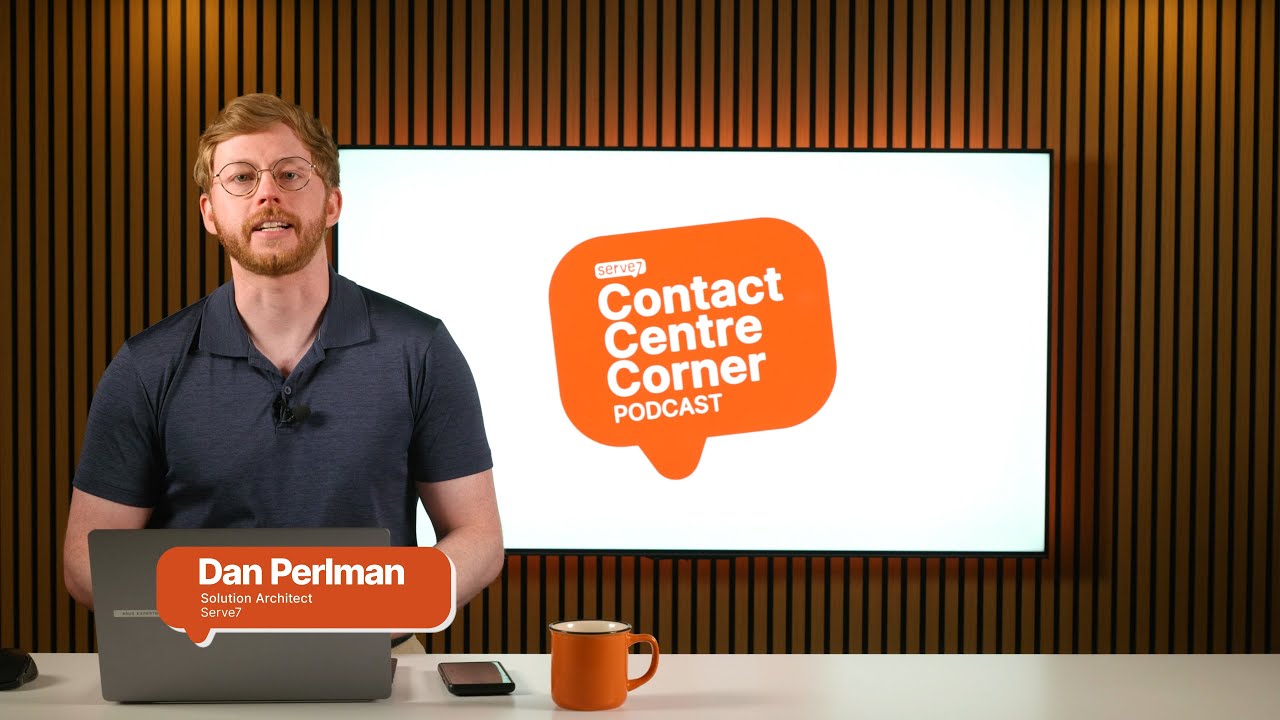
Watch the walkthrough
Your agents should not need six tabs open to help one customer. This walkthrough shows the agent workspace in real use: taking a call, following a guided workflow, pulling up the customer’s profile and case history, and asking Amazon Q for answers without leaving the screen.
Chapters
- 00:33 Logging in and agent settings
- 01:45 Handling a voice call
- 02:30 Step-by-step guides explained
- 03:15 Customer profiles and case management
- 04:20 Amazon Q: AI agent assist
- 05:40 A step-by-step guided flow from Amazon Q
- 06:20 Custom apps and integrations
- 07:25 Agent performance metrics
- 07:50 Ending a call and after-call work
- 08:30 Handling a live chat
- 09:05 Wrap-up and key takeaways
Who it is for
Contact centre leaders comparing platforms, supervisors planning agent training, and IT teams who want to see exactly what agents get on day one.
Want to see this on your own customer journeys?
Tell us what you run today and we will walk your team through it.
Contact us
Talk to the Serve7 team.
Tell us what you are working on and we will get back to you within one business day.
Already a customer and need help? Create a support ticket.
Thanks, we have your message.
Someone from the Serve7 team will get back to you within one business day.